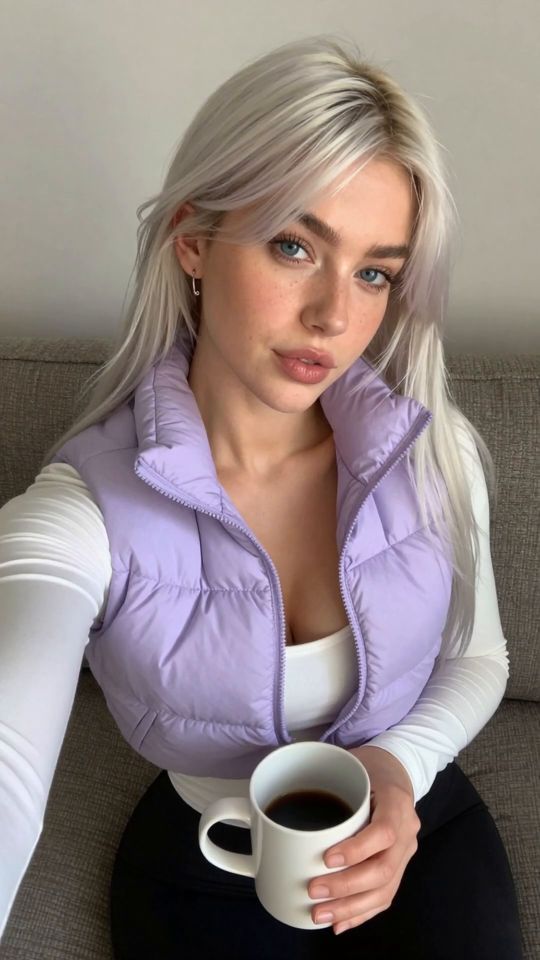
 5s
⚡ Generate
5s
⚡ Generate
Correct wardrobe, backdrop and light on frames that are one detail from perfect. One change per job at 21 credits, originals preserved.
Pick an effect, upload your photo, and the built-in recipe does the rest. Same photo, far more reliable results.
You have been writing prompts by hand. Templates skip all of that — pick a card below, upload your photo, and get the same scene in one click.
5s
⚡ Generate
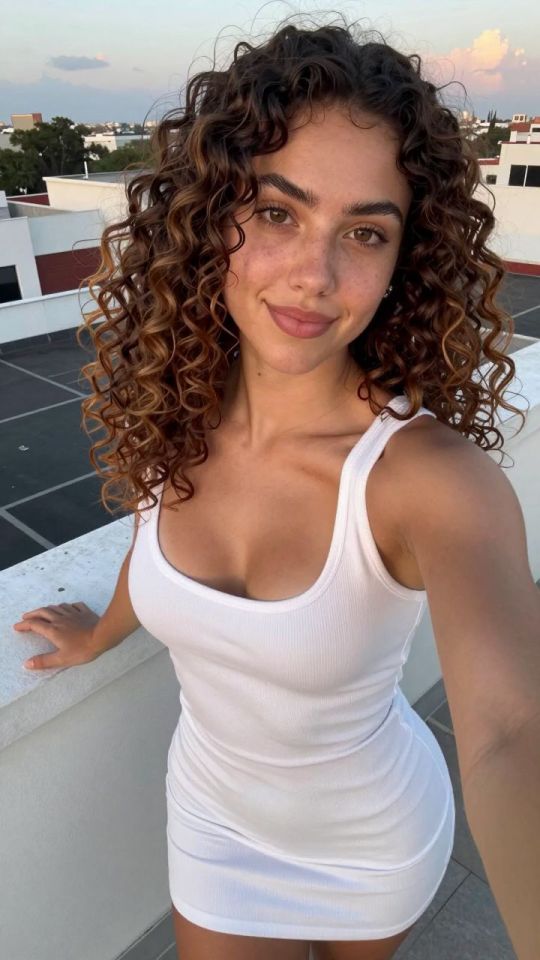
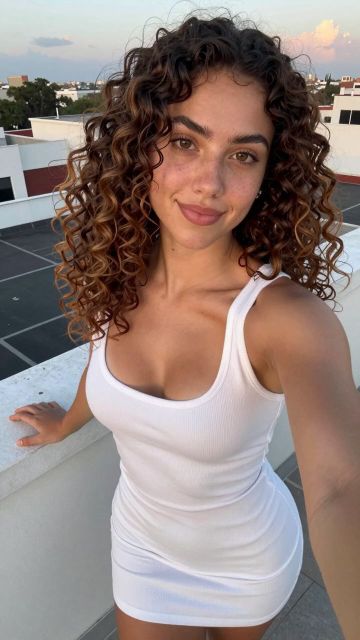 IMAGE
⚡ Generate
IMAGE
⚡ Generate
 5s
⚡ Generate
5s
⚡ Generate
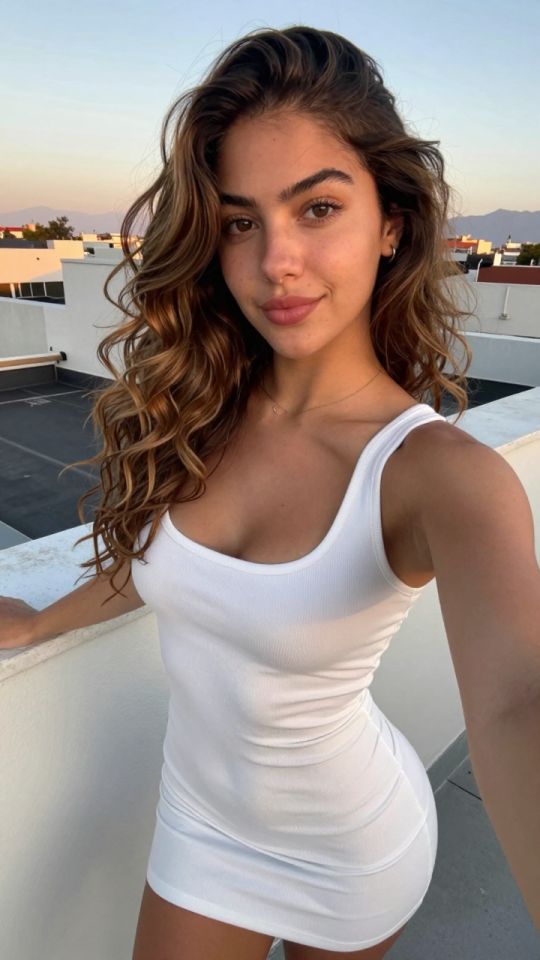
 NEW 5s
⚡ Generate
NEW 5s
⚡ Generate
 5s
⚡ Generate
5s
⚡ Generate
 NEW 5s
⚡ Generate
NEW 5s
⚡ Generate
 5s
⚡ Generate
5s
⚡ Generate

 IMAGE
⚡ Generate
IMAGE
⚡ Generate
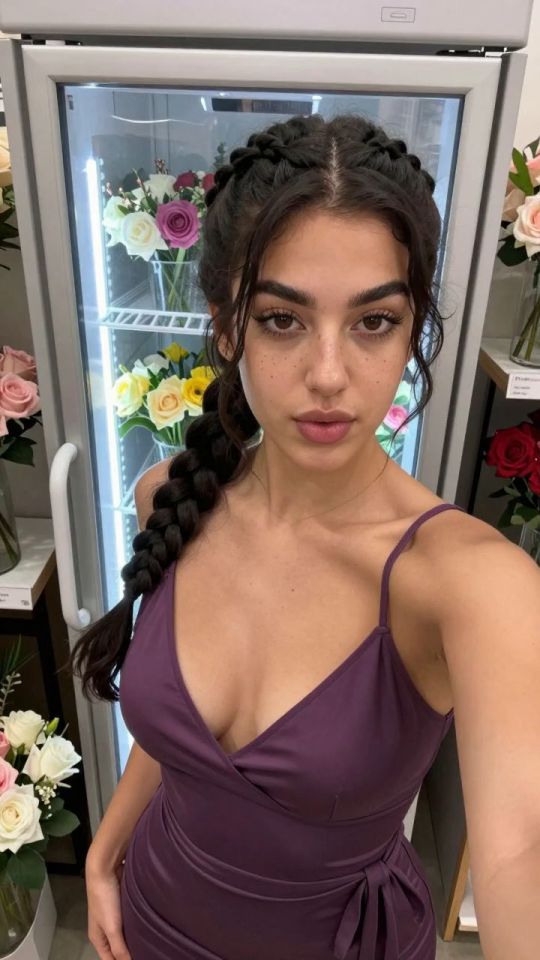
 NEW IMAGE
⚡ Generate
NEW IMAGE
⚡ Generate
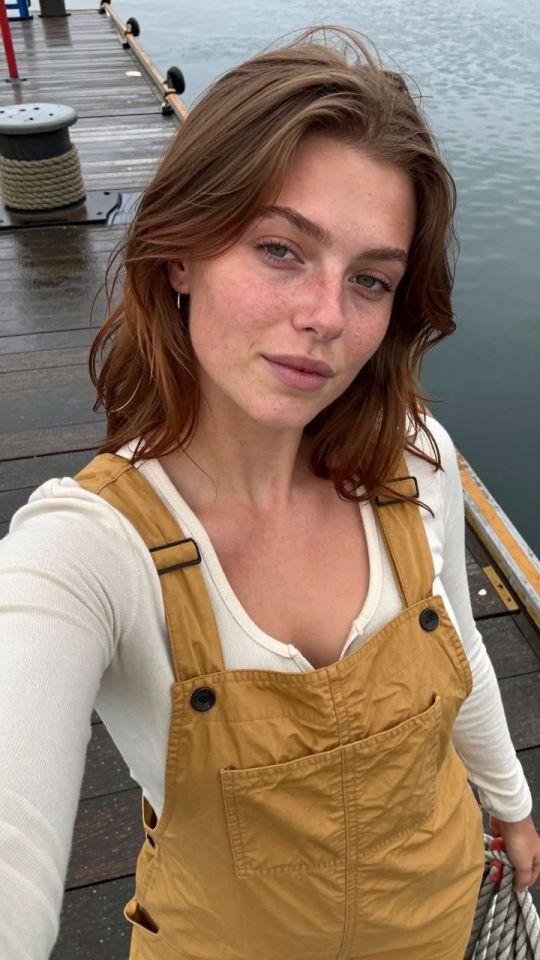
 NEW IMAGE
⚡ Generate
NEW IMAGE
⚡ Generate
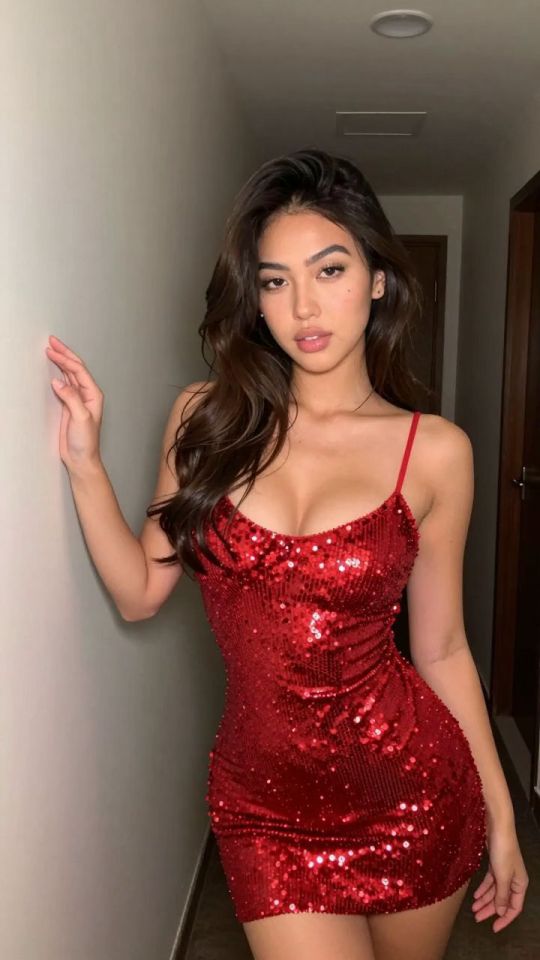
 IMAGE
⚡ Generate
IMAGE
⚡ Generate
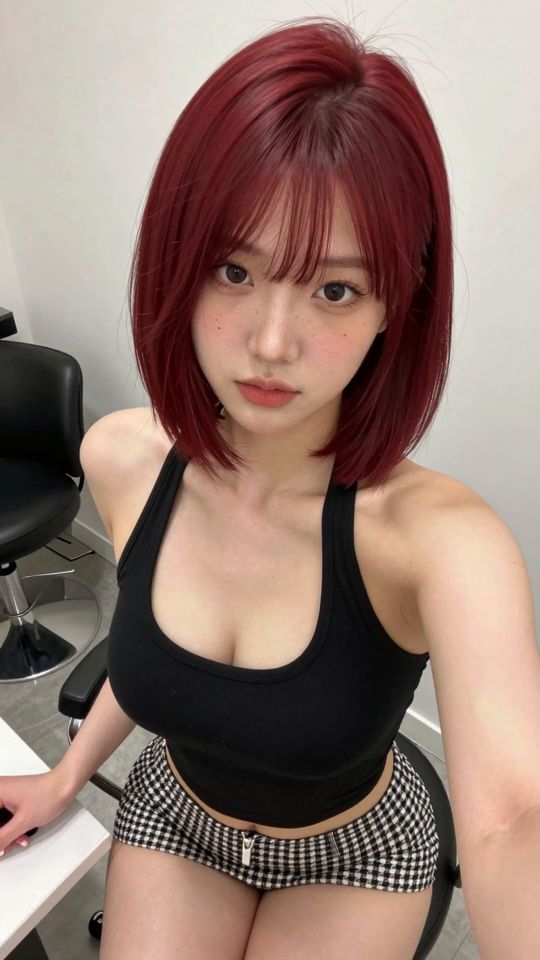
 5s
⚡ Generate
5s
⚡ Generate
Some frames are one detail away from perfect: the pose is right, the light is right, the dress belongs to a different product line. The editor corrects that frame instead of sending you back to generate from zero. Describe one change in plain words — wardrobe, backdrop, light, a detail — and the frame is re-rendered with the change applied and everything else held. The price is printed per job before you confirm, and the original stays on your shelf untouched.
Strong bones, wrong details. A frame whose composition failed is cheaper to re-brief than to repair.
A single instruction keeps the rest of the frame stable and the result easy to judge against the original.
Original and corrected versions sit together in your library. Display the better one; the other costs nothing further.
The fastest catalogue multiplier in the store: a proven pose dressed for three different product lines.
Bedroom to boutique to studio wall, without moving the subject or relighting the scene from scratch.
Daylight to candlelight, flat to dramatic — matching a corrected frame to the set it is joining.
“Change the emerald robe to a deep violet satin robe; keep the pose, hair, jewellery and lighting exactly as they are.”
The order names one change and then protects everything else by name. The “keep exactly” list is the cheapest quality control in the store.
“Move the setting to a marble boutique interior with shelf lighting; keep the subject, pose and wardrobe unchanged.”
One environment swap. An order that changes setting, outfit and pose at once is not a correction — it is a new generation wearing an editor’s ticket.
| Situation | Better buy |
|---|---|
| Pose and light right, details wrong | Correct it — the frame’s bones are already paid for |
| The composition itself missed | Re-generate with a repaired brief |
| One keeper needed in three outfits | Correct it three times from the same original |
21 credits per job on the edit model, printed before you confirm. Correcting a keeper is normally cheaper than generating and culling a fresh set.
No. The corrected frame is a new item; the original remains in your library exactly as it was.
One, if you want the rest of the frame to hold still. Stacked changes drift the very details you were trying to keep.
Yes — your own photos are corrected under the same consent rules as every other upload in the store.
Narrow the order and list what must stay identical. Vague orders are the leading cause of wandering edits.
Stills, clips, corrections, casting and delivery finishing all draw on the same credits and sit in the same private library. Pick the piece you need and start there.
Open the generatorAnalyzing your photo…
Your result will appear right here — keep this open.
0:00
Your image is deleted after generation.
Browse filesFailed jobs are refunded automatically. Results land in My Collection.